How to Resize Grade 2 Titanium BandUpdated 3 years ago
How to Resize Grade 2 Titanium Band
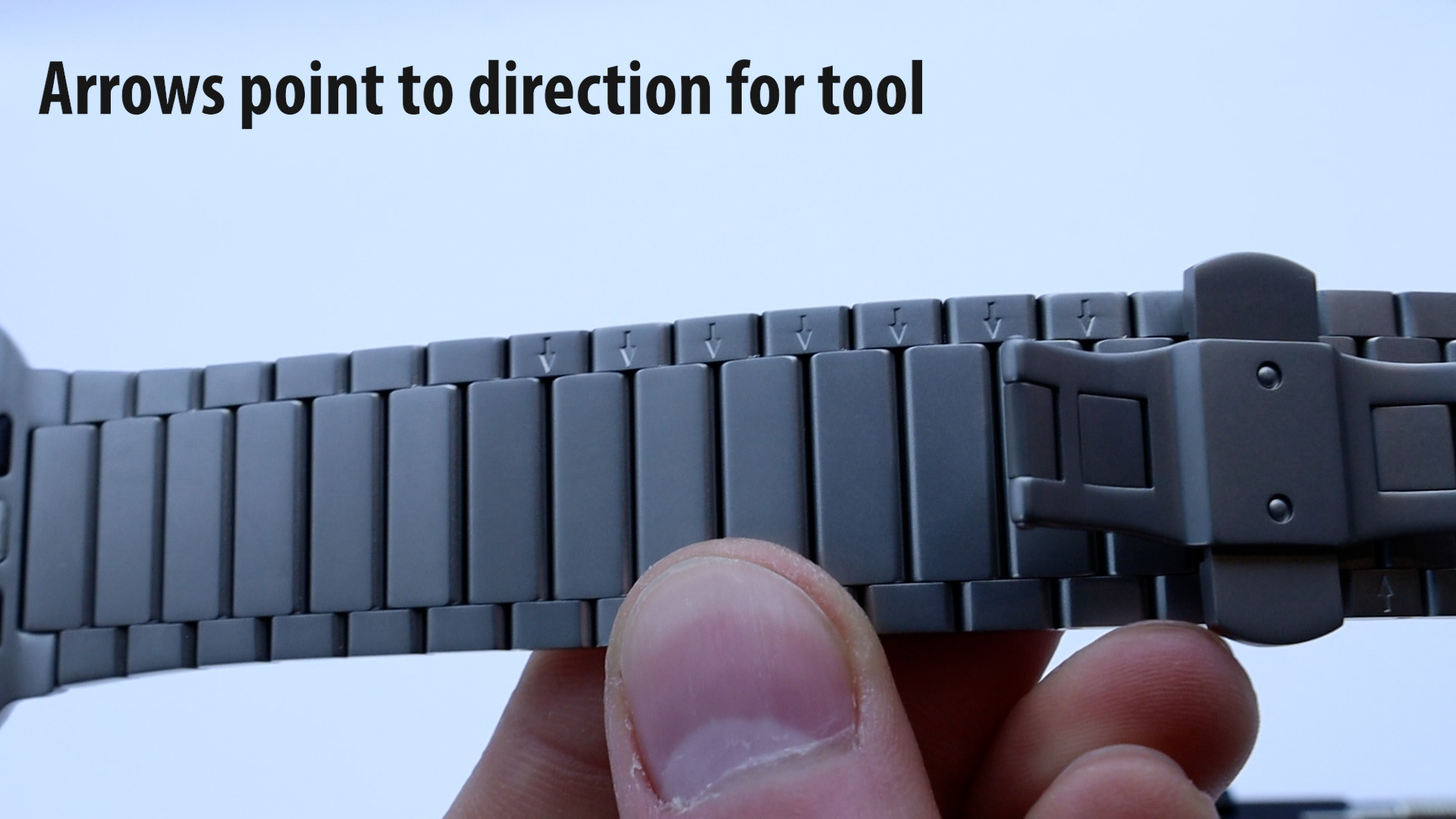
Step 1: Check arrows for the direction to push out pins
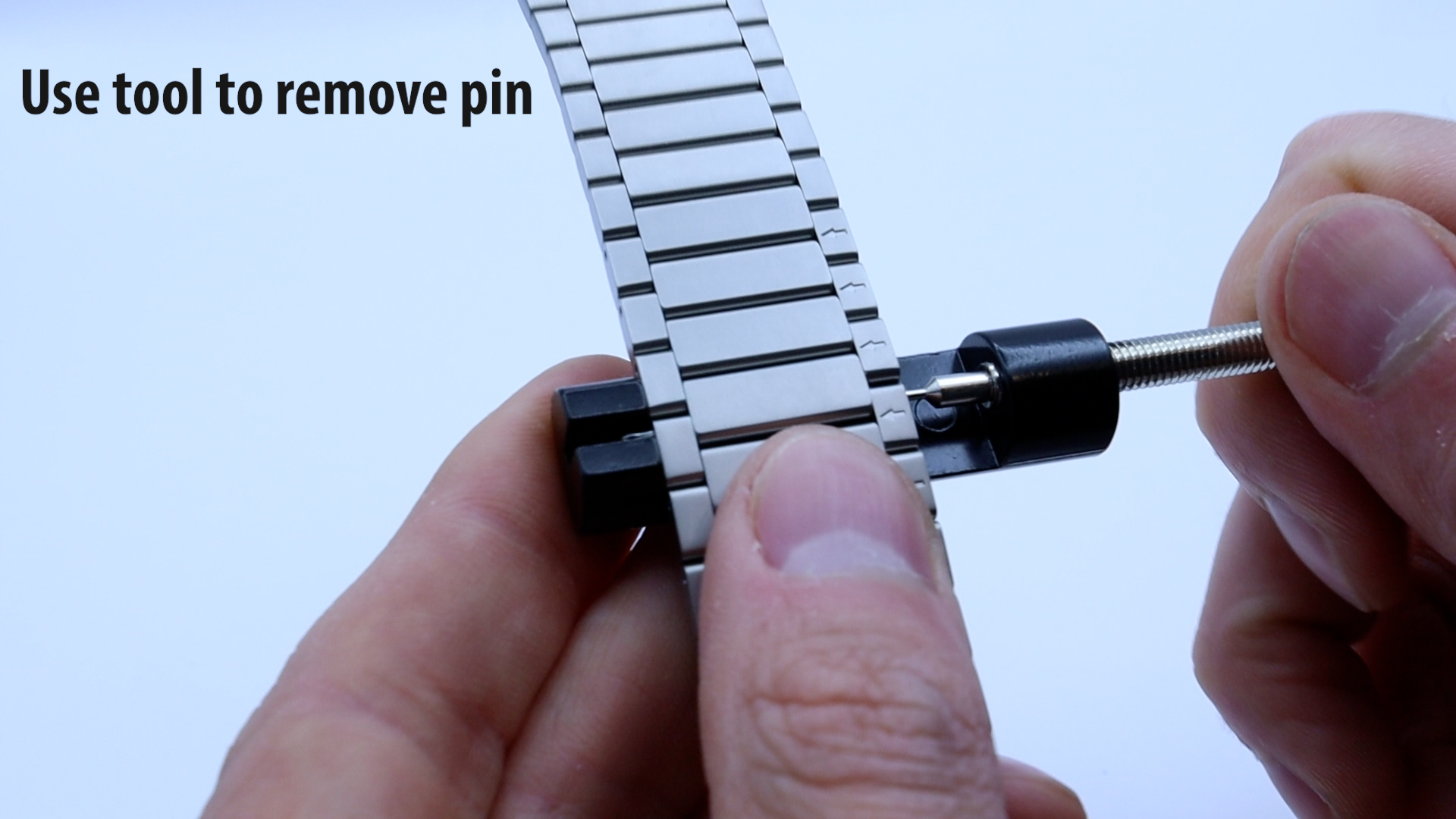
Step 2: Use tool and turn screw until pin is released
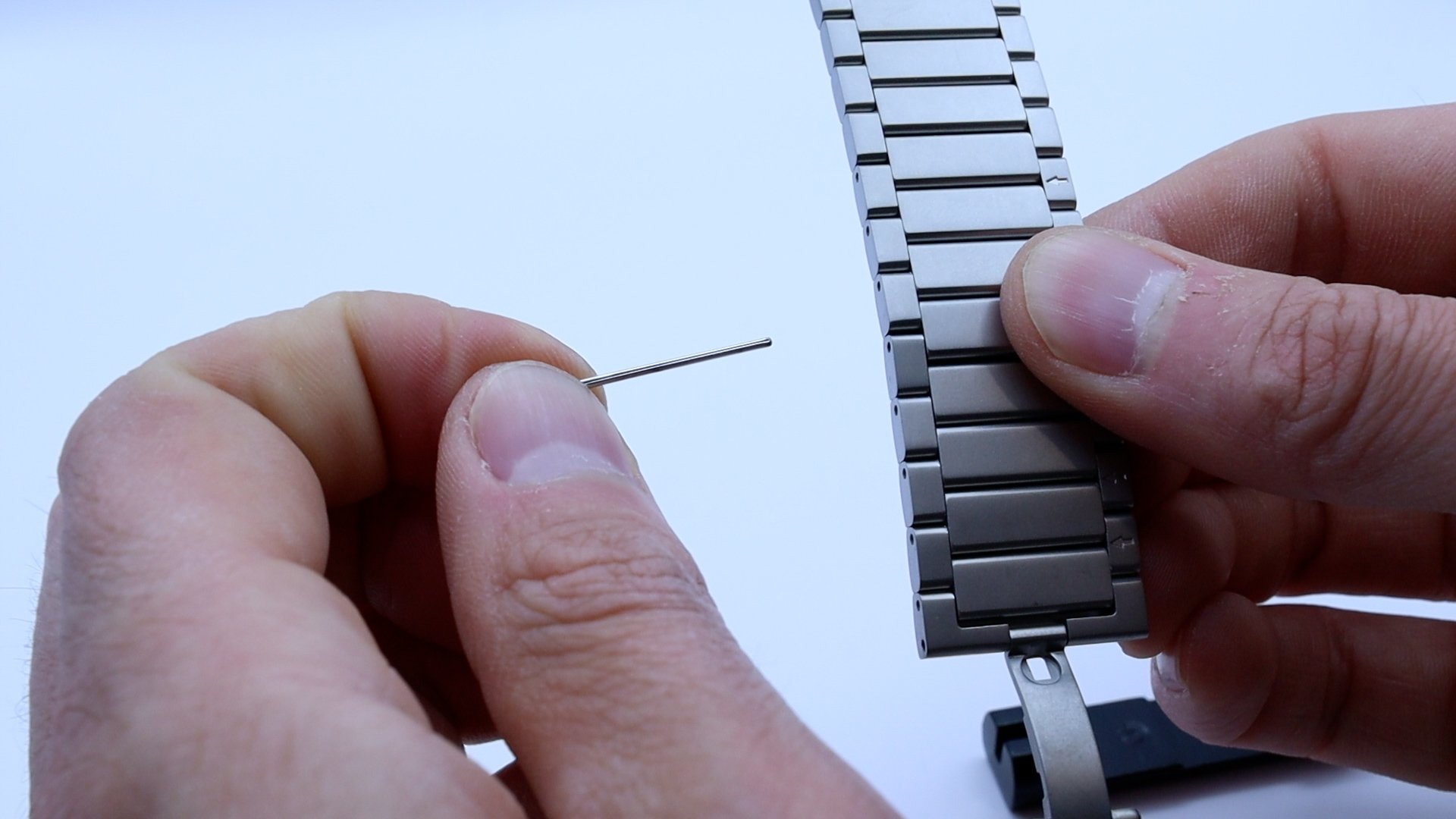
Step 3: Remove Pin, separate links. Repeat removing links to size as necessary
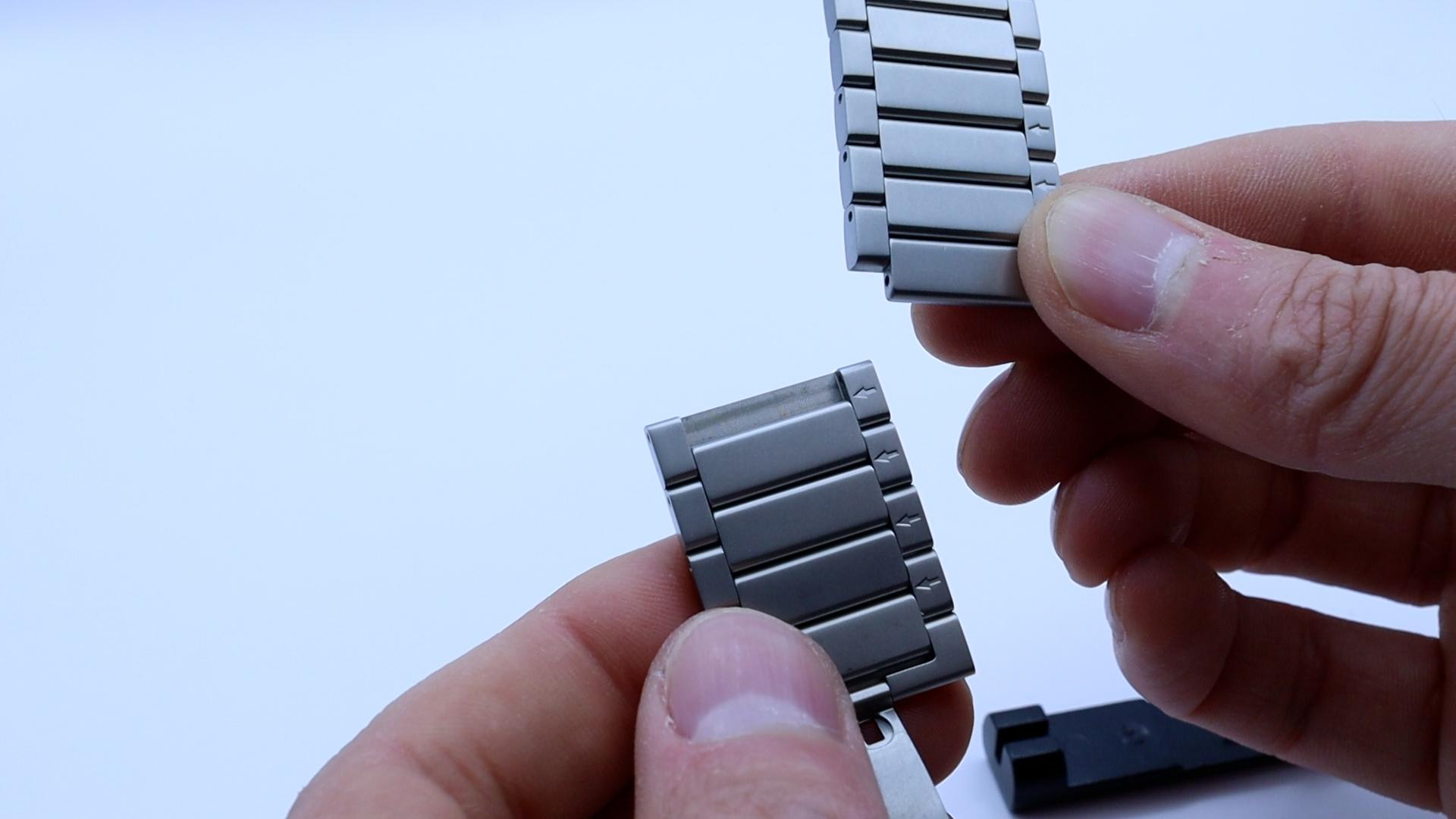
Step 4: Re-assemble Links in Reverse order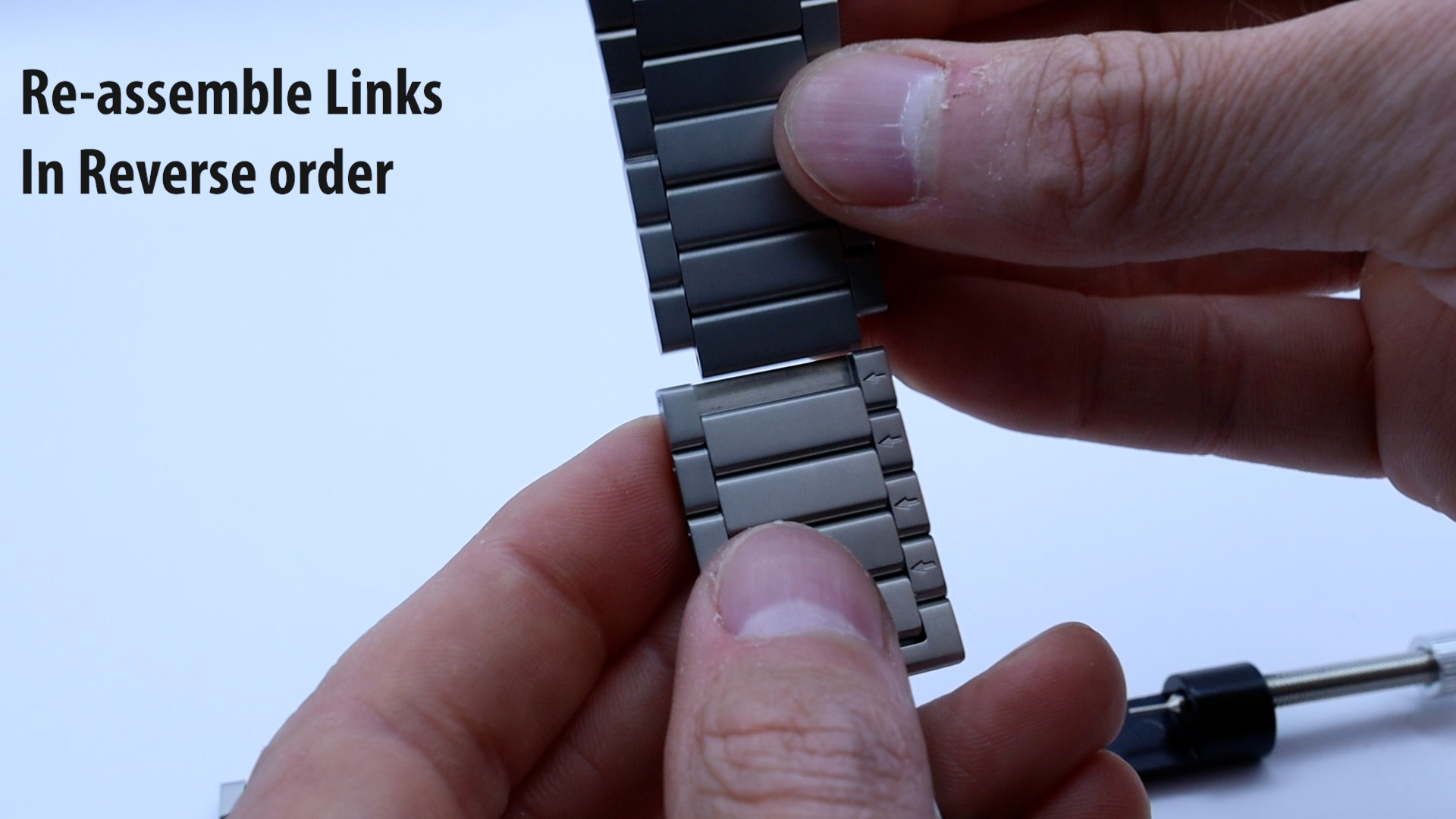
Step 5: Use back of tool to push pin in completely 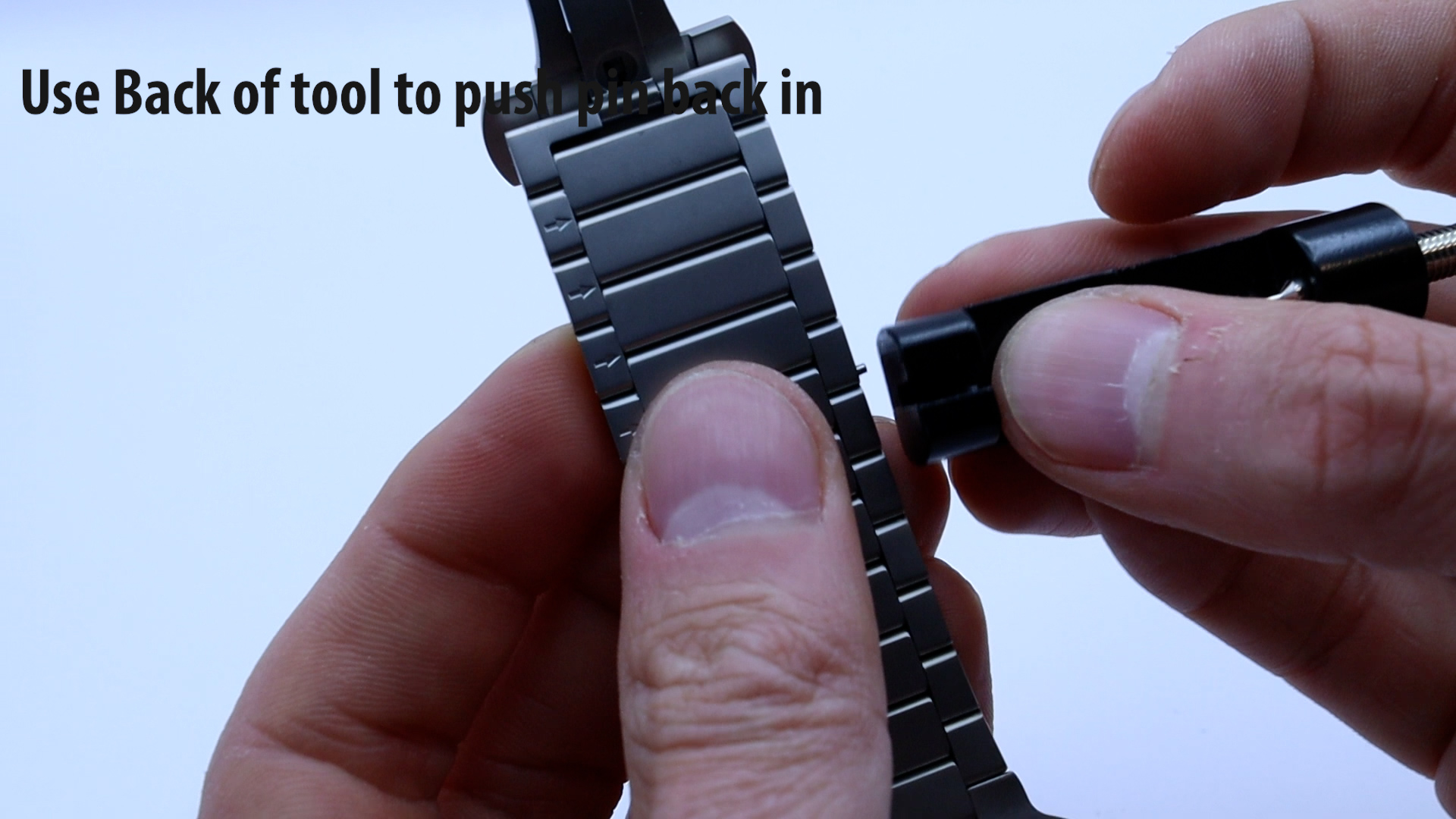
Installing Band on Apple Watch
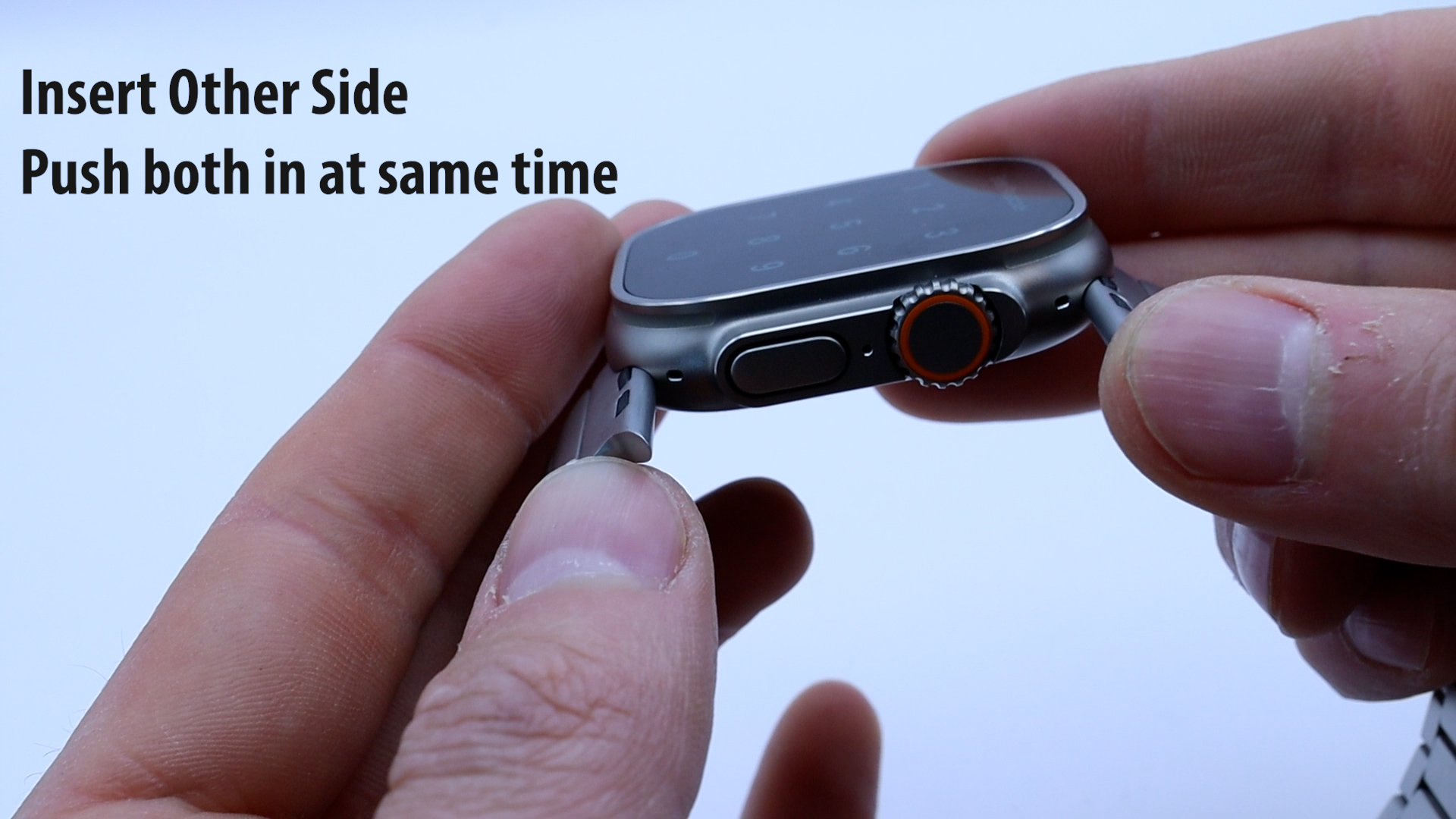
Open clasp of band, insert one side into watch only halfway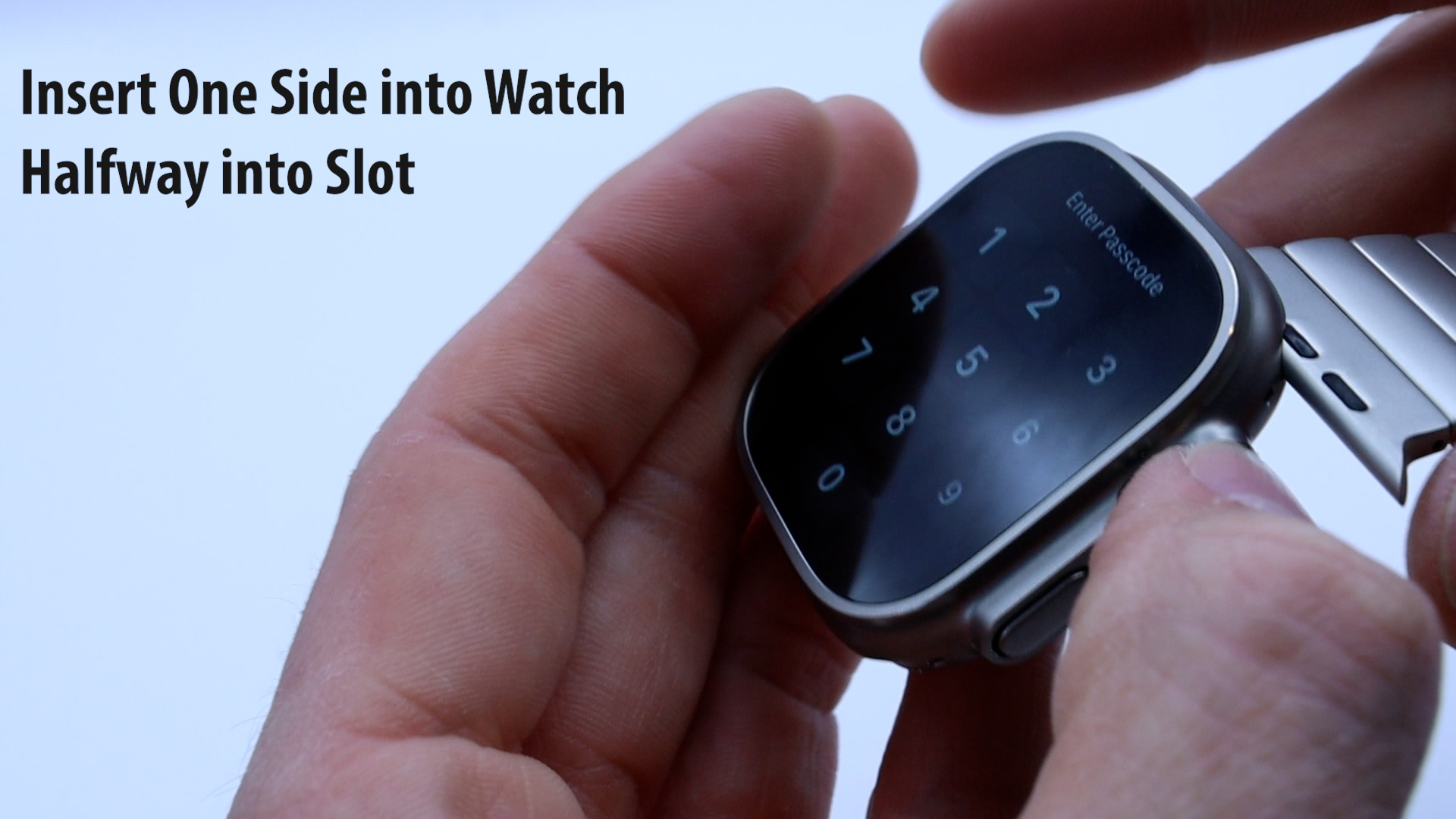
Move to other side of the band, insert it halfway and then push both at the same time